Lobby screens that run themselves
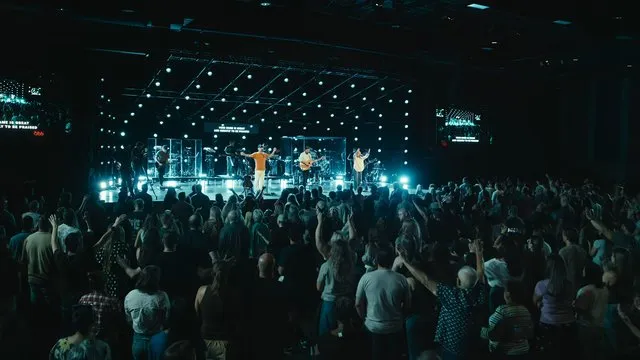
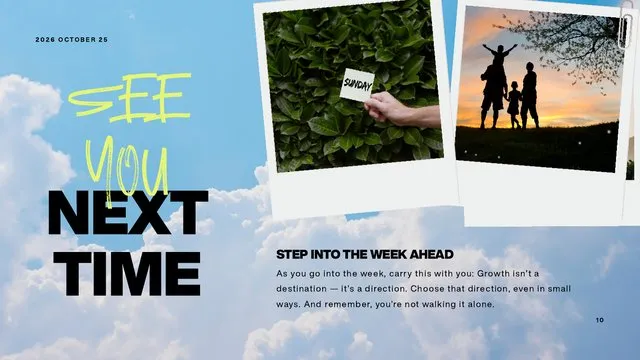
Announcements on a loop, a countdown to the service, and the main room in the overflow. Every screen in the building on one account, for one price.
- Free for up to 3 screens, no time limit
- Runs on a Fire TV Stick or any browser
- Update announcements from Google Slides or PowerPoint
One price for your whole church
No per-screen fees. No per-volunteer fees.
£0 forever
Up to 3 screens. Enough for the lobby and the café.
£190 a year
Unlimited screens for the whole church, or £19 a month.
£990 one time
Unlimited screens, paid once. Or self-host the open-source app for free.
With 10 screens, per-screen signage at $149 each comes to $1,490 a year. On TheOpenPresenter it's £190, and the same if you add ten more.
Anyone on the team can update a screen
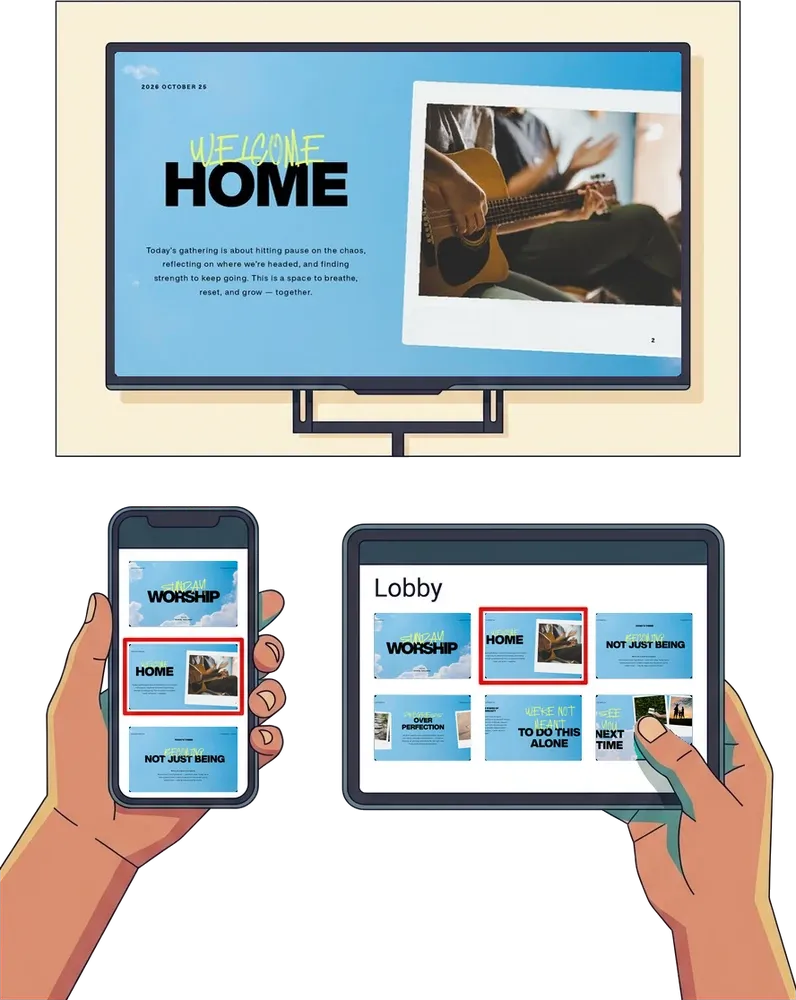
From a phone, a tablet or a laptop: open the screen's link and tap the slide you want. Nothing to download, and nothing to learn.
- Works on any phone, tablet or laptop
- Nothing to download or install
- Update it at the welcome desk, or from home
A new screen in ten minutes
Plug one of these into any TV, pair it to your church, and it's ready.
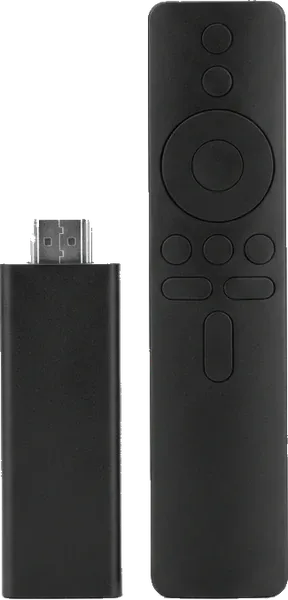
Our Fire TV app.
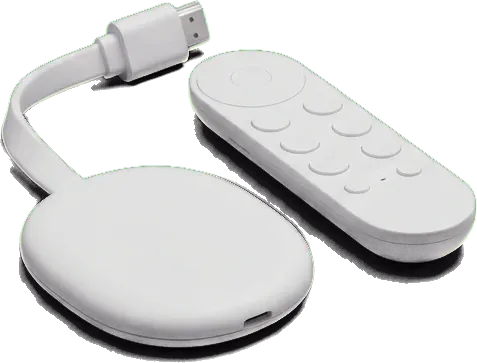
Our Android TV and Google TV app.
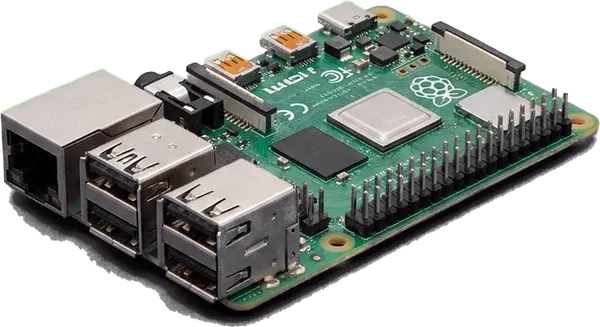
Our Linux app, or full screen in the browser.
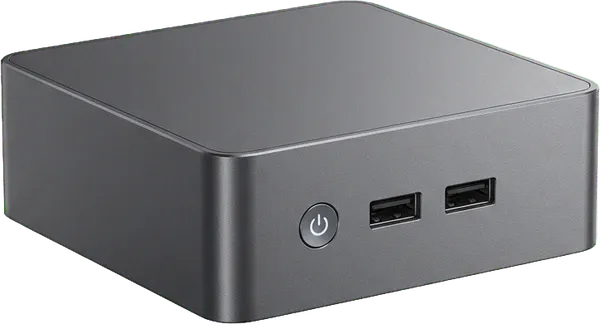
Like an Intel NUC, with our Windows or Linux app.
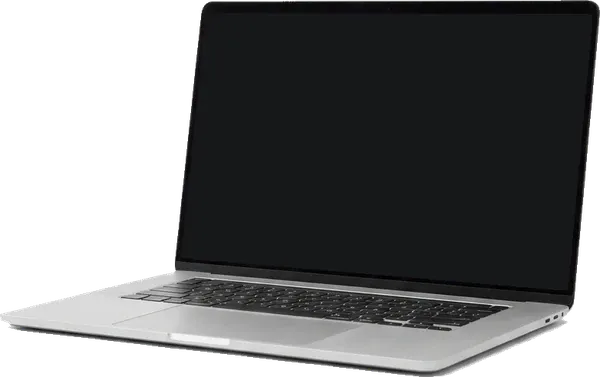
Any browser, or our desktop app.
Always up to date, never in the way
Set each screen up once. The comms team updates the slides, and the screens keep cycling on their own.
Announcements on a loop
Set slides to move on by themselves every few seconds and start again from the top. Nobody has to stand by the screen.
Edit in the tools you know
Sync a Google Slides deck or import PowerPoint, so the comms team updates announcements where they already work.
Countdown to the service
Show a countdown in the foyer so people know when to head in.
Overflow and foyer feeds
On the Cloud plan, any screen can follow the main screen in sync, so the overflow room and foyer see the lyrics and sermon slides too.
Live web pages
Put your events page, a sign-up form or a live feed on screen, and it stays current on its own.
Keeps playing offline
Content is saved to each screen, so a Wi-Fi drop doesn't leave a blank TV in the entrance.
Questions
What hardware do I need for each screen? +
Any TV with a Fire TV Stick, Google TV or Android TV device plugged in. An old laptop, a mini PC or anything with a modern browser works too.
Can announcements cycle on their own? +
Yes. Turn on autoplay for a set of slides, choose how long each one shows, and it loops until you change it.
Can different content show at different times of day? +
Not yet. Today someone changes what each screen shows from their phone or a browser. Scheduling is on our list.
Can the lobby show what's happening in the main room? +
Yes, on the Cloud plan. Any screen can follow the main screen in sync, which works well for a foyer, café or overflow room.
What happens if the internet drops? +
Content is saved to each screen, so it keeps playing until the connection comes back.
Can the same account run our main service? +
Yes. TheOpenPresenter is a full presentation app with lyrics, Bible, video and timers, so the main room and every lobby screen share one account and one plan.
Light up the lobby.
Free for up to 3 screens.
Plug in a TV stick, pick your announcements, and turn on autoplay. Add more screens whenever you need them.