A screen in every kids' room at one price
Lesson videos, worship lyrics and countdowns in every classroom. Each leader runs their own room from their phone, and adding a room never adds to the bill.
- Free for up to 3 screens, no time limit
- Runs on a Fire TV Stick or any browser
- No limit on volunteers, no cost per user
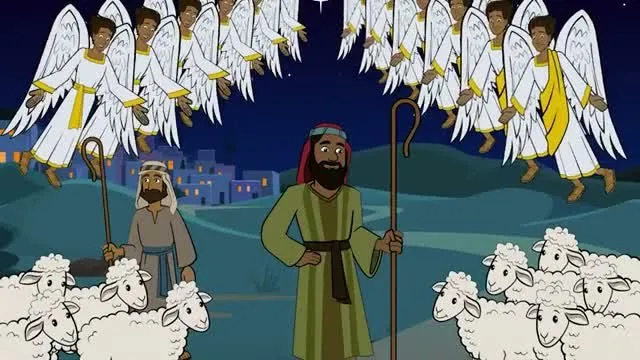
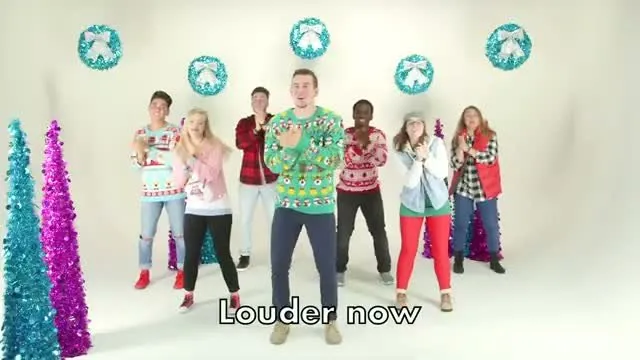



One price for your whole church
No per-screen fees. No per-volunteer fees.
£0 forever
Up to 3 screens. Enough to try it in a couple of classrooms.
£190 a year
Unlimited screens for the whole church, or £19 a month.
£990 one time
Unlimited screens, paid once. Or self-host the open-source app for free.
With 10 screens, per-screen signage at $149 each comes to $1,490 a year. On TheOpenPresenter it's £190, and the same if you add ten more.
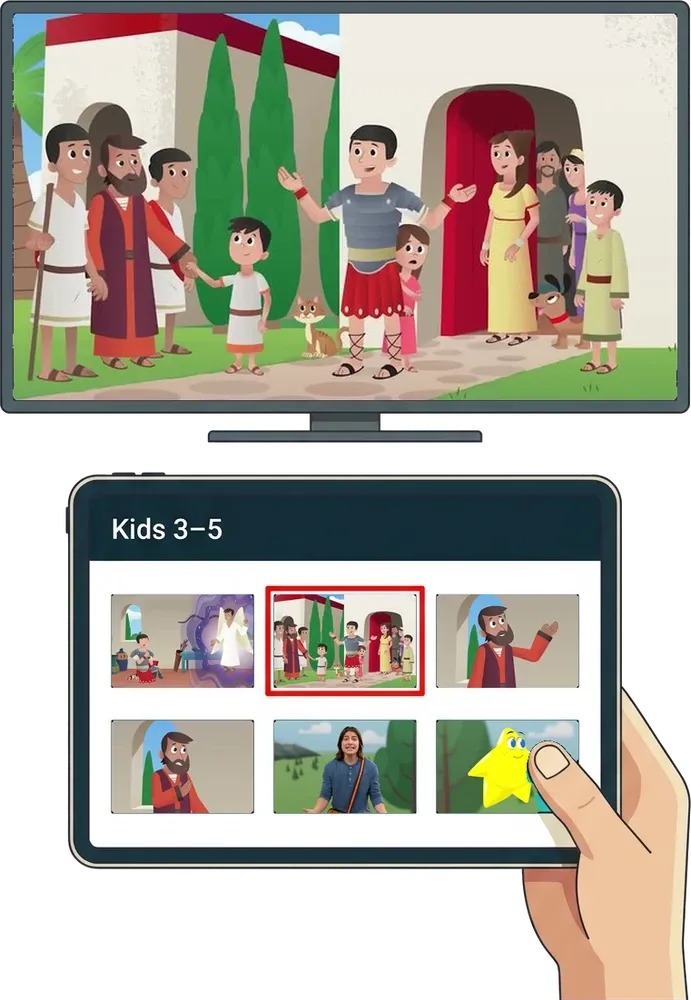
Teachers control the screen from a tablet
Keep a tablet in each room with the room saved to its home screen. Teachers tap a video or slide and it's on the TV. No app to install, and nothing to set up on Sunday morning.
- Save the room to the tablet's home screen
- Tap a video or slide to put it on the TV
- Or use your own phone, every leader at once
A new screen in ten minutes
Plug one of these into any TV, pair it to your church, and it's ready.
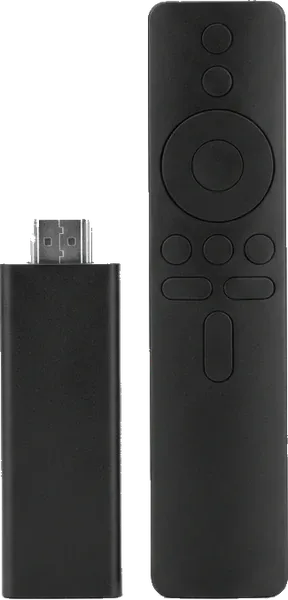
Our Fire TV app.
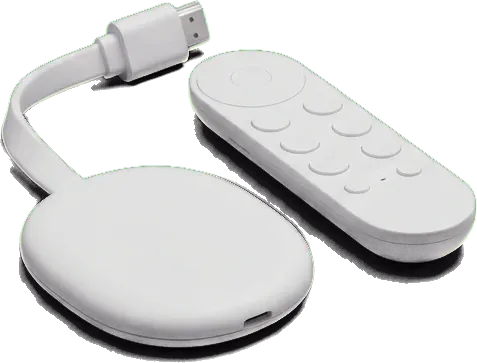
Our Android TV and Google TV app.
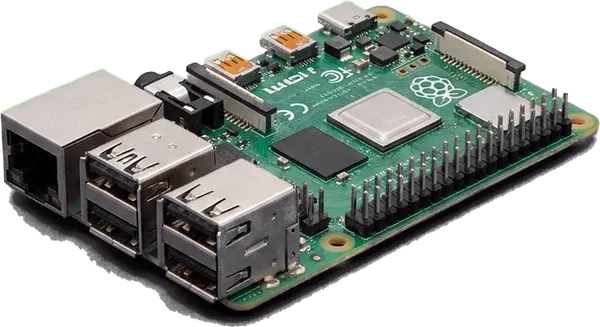
Our Linux app, or full screen in the browser.
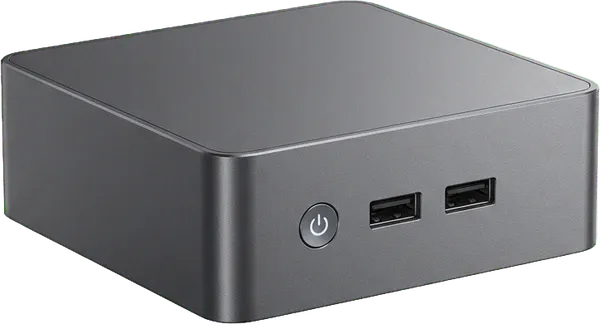
Like an Intel NUC, with our Windows or Linux app.

Any browser, or our desktop app.
All the power of TheOpenPresenter, in every room
Every classroom gets the full app, not a cut-down player. The same tools you use for the main service.
Bring the slides you have
Import PowerPoint files or sync a Google Slides deck, so this week's lesson slides go straight to the room.
Lesson videos from anywhere
Upload this week's Bible story video, or play it straight from YouTube or Vimeo.
Kids' worship, with lyrics
Put lyrics up for the songs the kids sing, or play the worship videos. Same lyrics tools as the main service.
Countdowns for transitions
A timer on screen for large group, small group and pick-up, so leaders and kids know what's next.
Keeps playing offline
Videos and slides are saved to each screen, so a Wi-Fi drop doesn't stop the lesson halfway through.
See every room at once
The screens page shows every classroom and what it's showing, so the kids' director can help a room without walking there.
Questions
What hardware do I need for each classroom? +
Any TV with a Fire TV Stick, Google TV or Android TV device plugged in. An old laptop, a mini PC or anything with a modern browser works too.
Can I use Life.Church Open or other curriculum? +
There's no direct integration yet. Download the videos and slides from the curriculum site and upload them, or play videos from YouTube and Vimeo.
Can content start in each room on a timetable? +
Not yet. Today a leader starts each room from their phone or the TV. Scheduling is on our list. If you need it right now, our ProDisplay comparison covers it honestly.
How many volunteers can use it? +
As many as you like, on every plan, with no per-user cost. Each room's leader can run their own screen from their phone at the same time.
What happens if the internet drops? +
Content is saved to each screen, so it keeps playing until the connection comes back.
Can the same account run our main service? +
Yes. TheOpenPresenter is a full presentation app with lyrics, bible, video and timers, so the main room and every kids' room share one account and one plan.
Ready for this Sunday?
Free for up to 3 rooms.
Plug in a TV stick, name the room, and hand the leader their phone. Add more rooms whenever you need them.